 COME
COMEChoose the right COME menu for your task
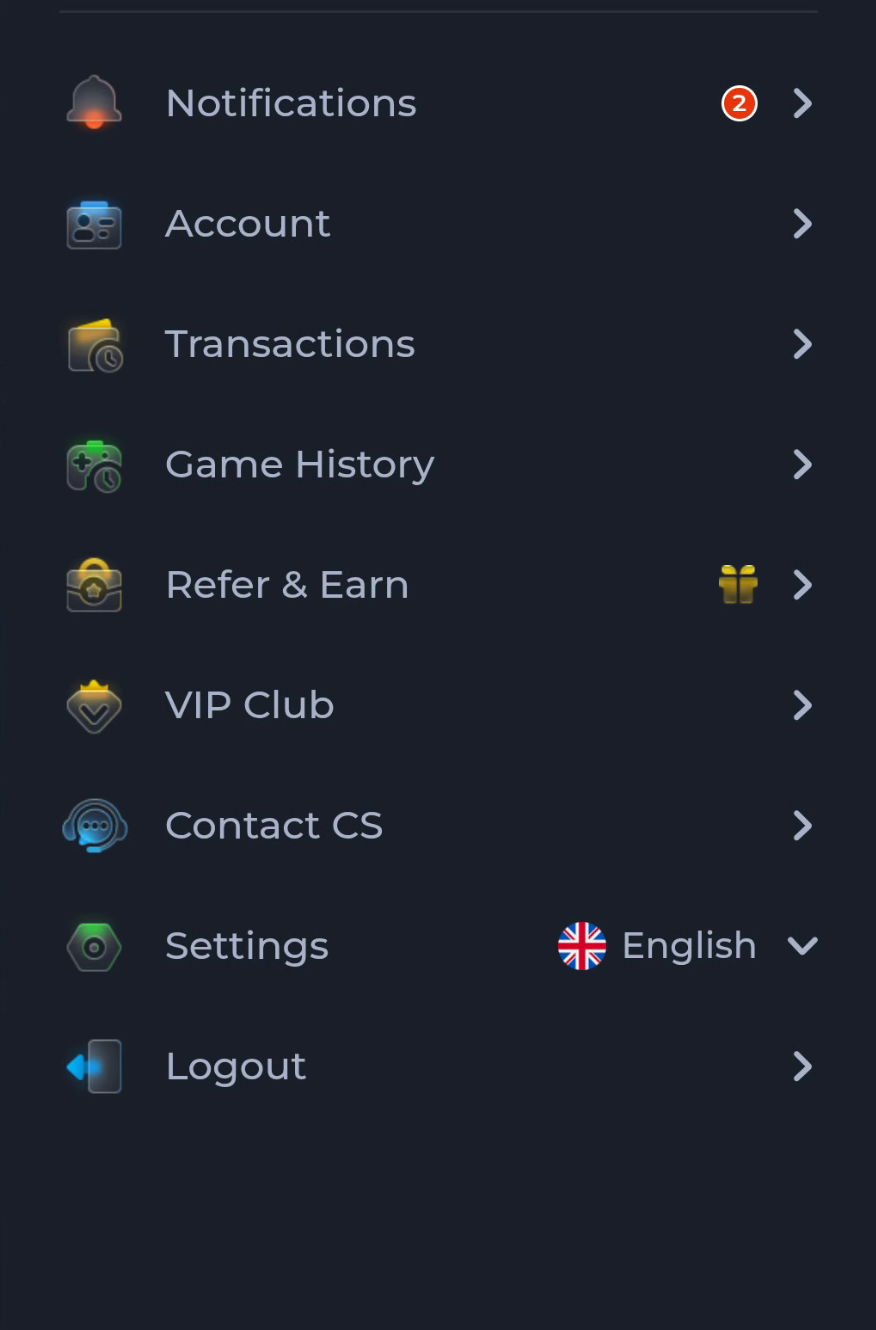
Account, Game History, Contact CS and Settings serve different tasks. Choose the menu that matches your question before changing anything.
Start with the visible labels
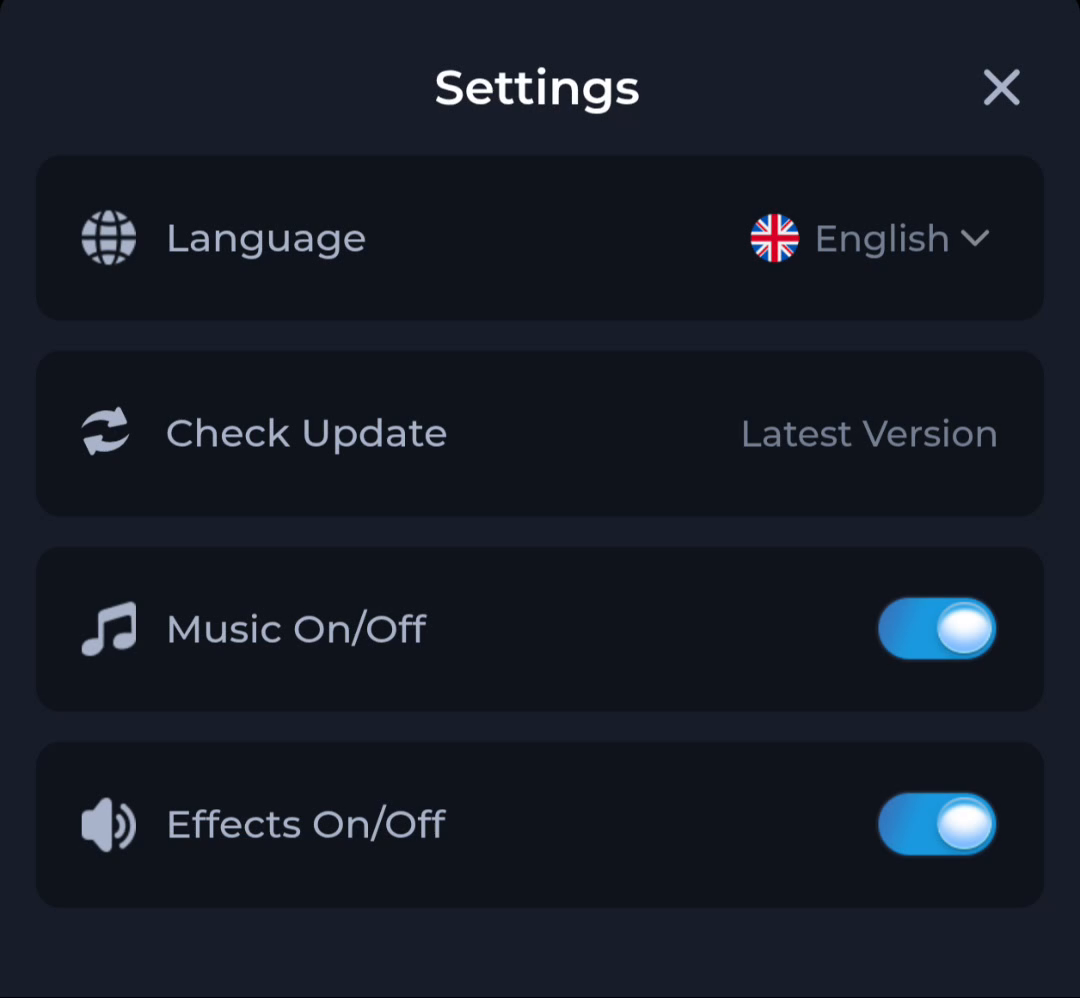
The account menu groups personal account access separately from Transactions and Game History. Contact CS points towards help, while Settings contains controls such as Language and Check Update. A browser's download list sits outside these in-app menus.
Match question to destination
For a version question, inspect Settings and the device's app information. For an account question, use the account or support route. For a saved APK, return to the browser or file manager. This prevents a failed file transfer from being mistaken for a game-history problem.
Use the current interface
Labels and available options can change. Follow the screen on your own device instead of assuming every menu matches an older layout. Read any confirmation before changing account or device settings, especially when a choice can remove local data.
A useful next step
Return to the overview for download help, or use the menu relevant to the task already in front of you.